
Schema markup is structured data code based on the Schema.org standard that tells search engines who or what a page is about: a business, a product, an article or a review. With schema markup, Google and AI systems understand content more accurately and can show rich results.

A person reading a service page instantly knows which part is the company name, which is the phone number and which is the price. Machines are not so certain. Schema markup "labels" each piece of information so machines do not have to guess.
What are the benefits of schema markup?
Google has published several real-world cases in its introduction to structured data:
- Rotten Tomatoes measured a 25% higher click-through rate on pages with structured data compared with pages without it.
- Food Network saw a 35% increase in visits after adding structured data to 80% of its pages.
- Nestlé measured an 82% higher click-through rate for pages shown as rich results.
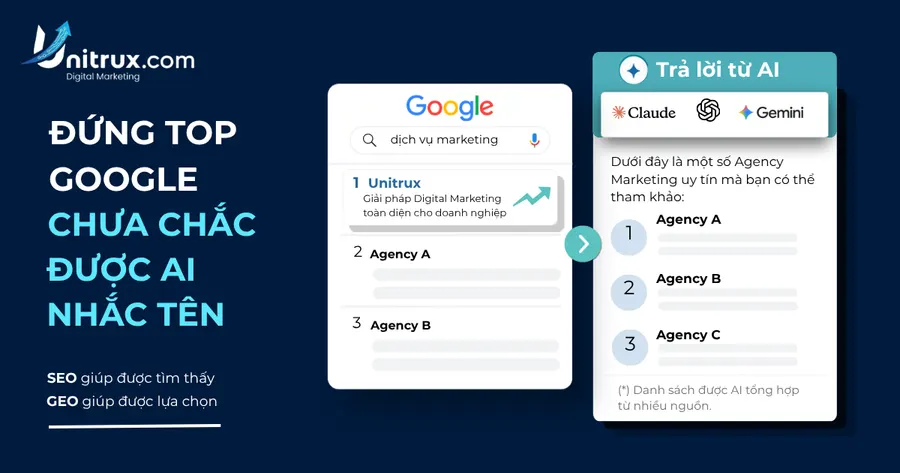
Beyond appearance in results, structured data is an important part of AEO and GEO: when business information is declared consistently, AI can more easily recognise your brand as a clear entity.
Note: schema is not a direct ranking factor and does not guarantee that Google will always show rich results.
Which schema types should a small business use?
For most small and medium-sized businesses in Vietnam, the schema types below are enough:
| Schema type | Used on | Key information |
|---|---|---|
| Organization | Home, about page | Name, logo, website, social profiles, contact details |
| LocalBusiness | Businesses with a location | Address, opening hours, phone, service area |
| Article / BlogPosting | Blog posts | Headline, author, publish date, modified date, image |
| Product | Product pages | Name, price, availability, reviews |
| Service | Service pages | Service name, description, area, provider |
| BreadcrumbList | Every page | Page hierarchy path |
| FAQPage | FAQ sections | Questions and answers |
| VideoObject | Pages with video | Title, description, thumbnail, duration |
What did Google change for FAQ and HowTo schema?
In August 2023, Google announced on the Search Central Blog that FAQ rich results would only be shown for well-known, authoritative government and health websites, while HowTo rich results were reduced and later removed. So do not expect a business website's FAQ to appear as an expandable result on Google.
Even so, an FAQ section still has value: it answers customer questions directly, supports AEO and makes it easier for AI to extract answers.
How to add schema markup to a website
Step 1: Choose the JSON-LD format
Google recommends JSON-LD. It is a separate block of code inside a <script type="application/ld+json"> tag that does not mix with visible content, so it is easy to maintain.
Step 2: Write schema that matches visible content
A minimal Organization schema example:
{
  "@context": "https://schema.org",
  "@type": "Organization",
  "name": "Business name",
  "url": "https://yourdomain.com",
  "logo": "https://yourdomain.com/logo.png",
  "sameAs": ["https://www.facebook.com/yourpage"]
}
The most important rule: everything in the schema must appear on the page and be true. Declaring fake reviews or mismatched prices can lead to a manual action from Google.
Step 3: Add the schema to your website
- WordPress sites: use an SEO plugin that supports schema or insert the code into the template.
- Custom-built sites: generate schema automatically from CMS data so you do not edit each page by hand.
Step 4: Test and monitor
- Use Google's Rich Results Test to check each URL.
- Use the Schema Markup Validator (validator.schema.org) to check syntax.
- Monitor the "Enhancements" reports in Google Search Console to catch site-wide errors.
Common schema markup mistakes
- Declaring information that does not appear on the page.
- Using the wrong type, for example Product on a service page.
- NAP details (name, address, phone) that differ from Google Business Profile.
- Several plugins each generating schema, causing duplicates and conflicts.
- Forgetting to update
dateModifiedafter editing an article.
At Unitrux, every website on the Business Website package or above gets basic schema from the build stage; the Growth package adds advanced schema for each page type. See details on our SEO/AEO/GEO service or SEO-ready website design pages.
Frequently asked questions about schema markup
Does schema markup help a website rank higher on Google?
Not directly. Schema helps Google understand content and can make results more attractive, which can improve click-through rate, but it does not replace good content.
Does a small website need schema markup?
Yes. Organization or LocalBusiness, BreadcrumbList and Article for the blog are enough of a foundation for most small businesses.
JSON-LD or Microdata: which should I use?
Use JSON-LD because Google recommends it, it is easy to add and edit, and it does not affect visible HTML.
How long does Google take to pick up new schema?
Google needs to recrawl the page. You can use the URL Inspection tool in Search Console to request reindexing after updating.
Đội ngũ Digital Marketing Unitrux · Nội dung được biên tập theo tiêu chuẩn nội dung hữu ích và đáng tin cậy của Unitrux.